Overlay for iRacing · Windows
All the numbers.
None of the weight.
ULO is an iRacing overlay written in Rust. Every widget is drawn the way iRacing's own panels look, in one small program that leaves your CPU and GPU to the sim.
Core widgets free · Standard from €3 a month · 14-day free trial
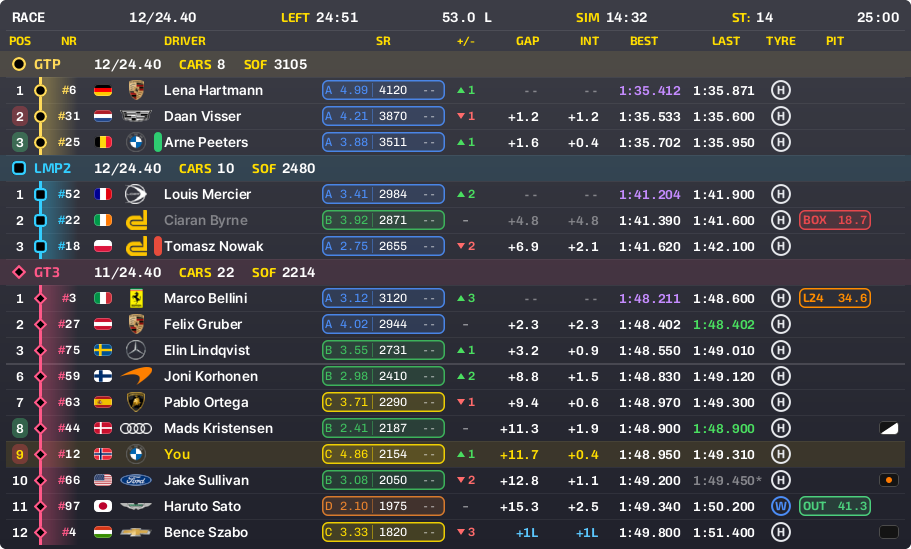
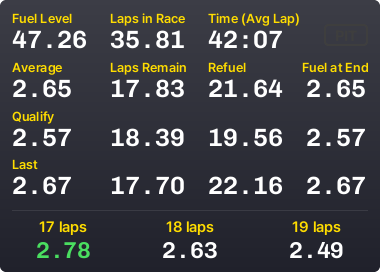
Spec sheet
Built in Rust. Built to stay out of the way.
No browser inside
Many overlays run a hidden web browser for every widget. ULO draws each widget on the CPU into a small bitmap and hands it straight to Windows. Nothing to load, nothing left running in the background.
Waits instead of polling
ULO sleeps until iRacing says new telemetry is ready, and redraws a widget only when something on it changes. When you leave the car it goes quiet.
The sim comes first
ULO runs at below-normal priority, so iRacing always gets the CPU first. It reads telemetry the way iRacing intends, read-only, with no hooks or injection.
Widgets
Looks like iRacing. Reads at a glance.
Yellow labels, white values, the same fonts and card shading as the sim's own panels. Move, resize and switch every widget from one settings window.
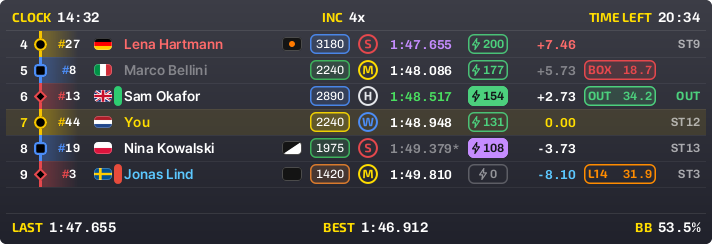
Relative Free
Cars around you with gaps, licence, iRating, tyres and pit status. Pick the columns you want and leave out the rest.
Header and footer: pick from 50 values
The relative and the standings each have a header and a footer. Put any of these in any slot, or leave a slot empty.
- Local time (24h)
- Local time (am/pm)
- In sim time (24h)
- In sim time (am/pm)
- Time remaining
- Time elapsed
- Lap
- Laps remaining
- Current lap time
- Last lap time
- Last lap, calculated
- Best lap time
- Session best lap
- Top speed
- Delta to best
- Delta to optimal
- Session best delta
- Session opt. delta
- Session last delta
- Position
- SOF
- iRating and gain
- Incidents
- Stint in laps
- Stint in time
- Pit time loss
- Position after pit
- Session name
- Event type
- Track name
- Fuel level
- Brake bias
- ABS
- TC
- TC 2
- ARB front
- ARB rear
- RPM
- Water temp
- Oil temp
- Push to pass
- Braking force
- Track temp
- Air temp
- Humidity
- Fog level
- Precipitation
- Track wetness
- Declared wet
- Wind for driver
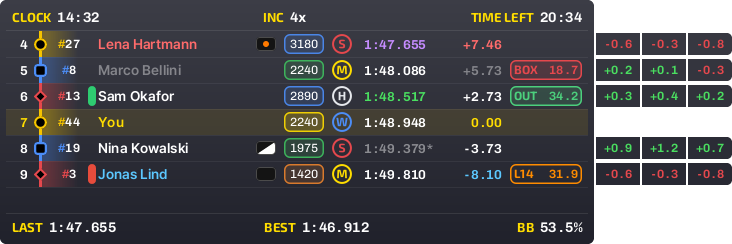
Lap delta pop-out Free
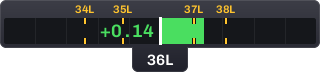
Each car's last three laps against yours, in tabs that slide out beside its row. Green where you were faster, red where they were. On the relative and the standings.
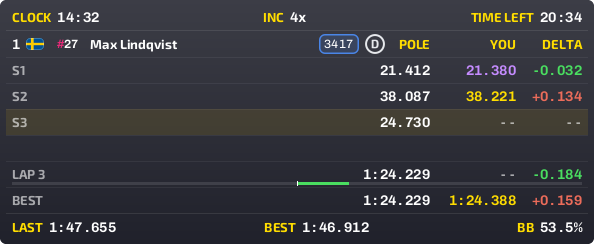
Qualifying head-to-head Standard
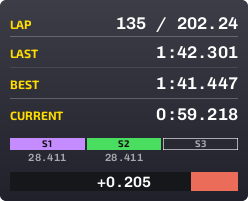
In qualifying, the relative turns into a duel with your class's pole lap: its sector times, yours as you drive, and the gap after every sector.
Fuel calculator Free
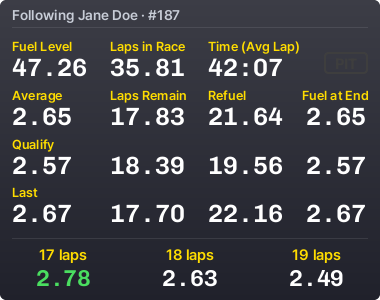
Laps left, fuel to add and fuel at the flag, from your average, last and qualifying laps. Targets show the fuel per lap that stretches a stint by a lap or two.


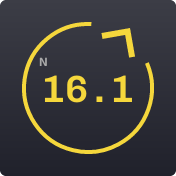
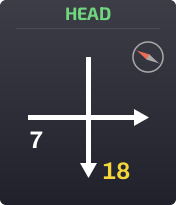


Also in ULO: standings with every class, a setup cover for streams, a browser source for OBS and VR, and a fuel planner for endurance races.
Settings
Everything in one window.
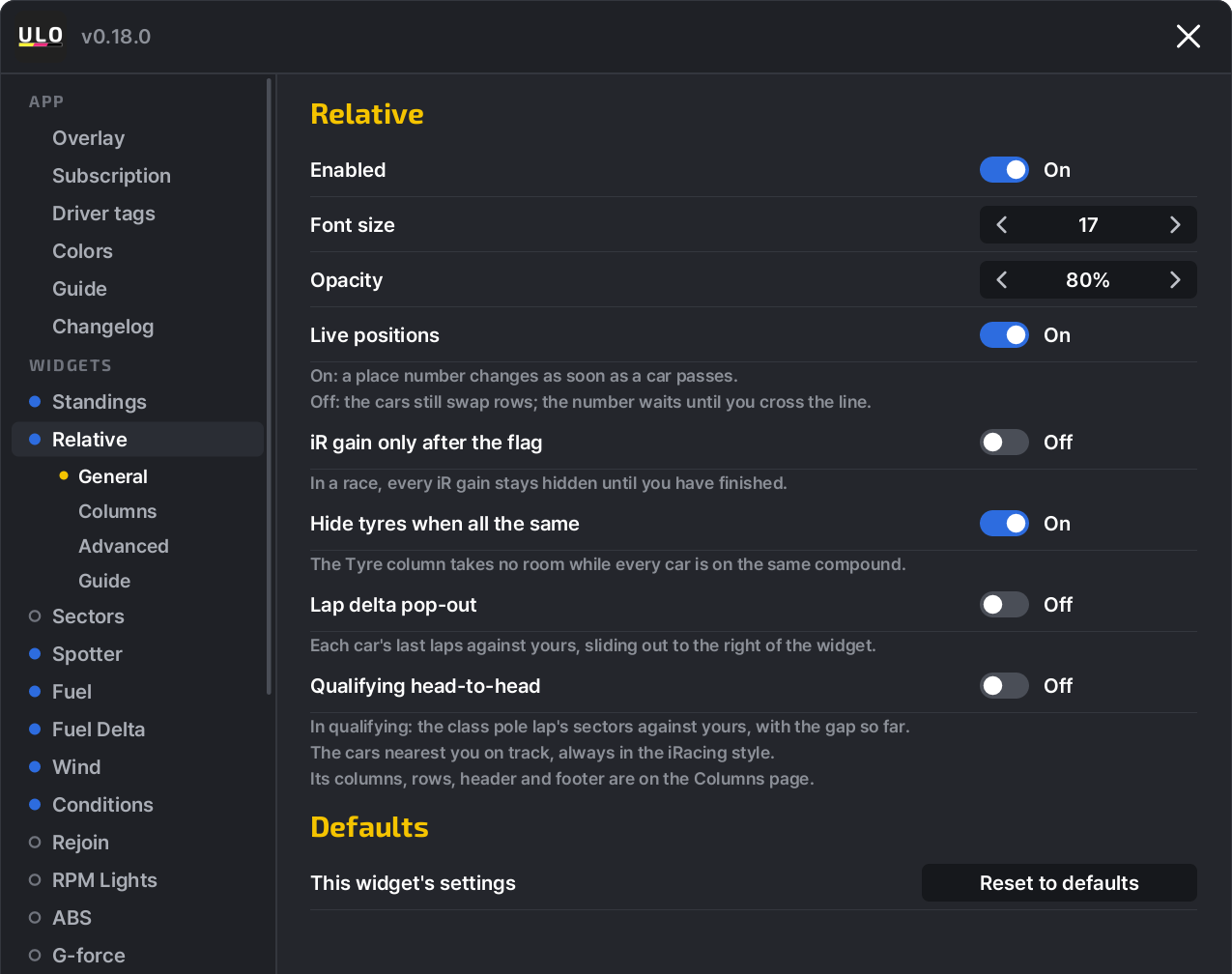
Every widget has its own page: size, opacity, columns, colours and what it shows. Changes show on screen straight away, and each widget has a guide that points at every part of it.
- iR gain only after the flag. Keep every iRating gain hidden in a race until you have finished.
- Hide tyres when all the same. The tyre column takes no room while every car is on the same compound.
- Live positions. Places change as soon as a car passes, or only at the line.
Driver tags Free
Know who you're racing.
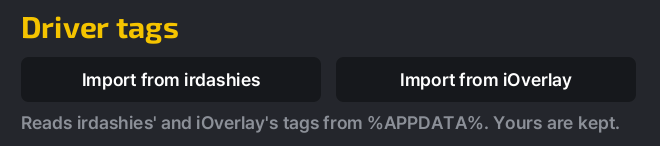
Put drivers in your own groups, each with a name and a colour: friends, teammates, the ones to give room. Their tag shows on the relative and the standings in every session.
Coming from another overlay? Import your tags from iOverlay or irdashies with one click. Your own tags are kept.
Pricing
Cheap on purpose.
The core widgets are free for good, and safety widgets like the spotter and the rejoin helper will never be paid. Prices are per driver, VAT included.
14-day free trial
Try Standard + Team, every feature, free for 14 days. A card on file is needed.
Free
€0
- Relative and standings
- Fuel calculator, targets and delta
- Spotter and rejoin helper
- Wind, conditions, ABS, rev lights
- Lap delta pop-out
- Driver tags, with import
- Browser source for OBS and VR
Standard
€3.00 / month
- Everything in Free
- Sectors widget and column
- Qualifying head-to-head
- Wind arrow mode
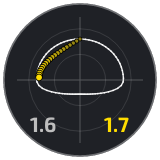
- G-force meter
Team only
€2.00 / month
- Everything in Free
- Live team fuel sharing
- Box calls to your driver
- Sister car fuel
- Fuel planner
One licence works on one PC at a time. Payments are handled by Creem.
Support
Made by a sim racer who answers.
ULO is built and supported by one developer who races on iRacing. Bug reports are read, answered and fixed in regular releases.
How to get helpOne click from the tray menu. ULO checks for new versions by itself.
Every change is listed inside the app, in plain words.